
About Us – MS Word
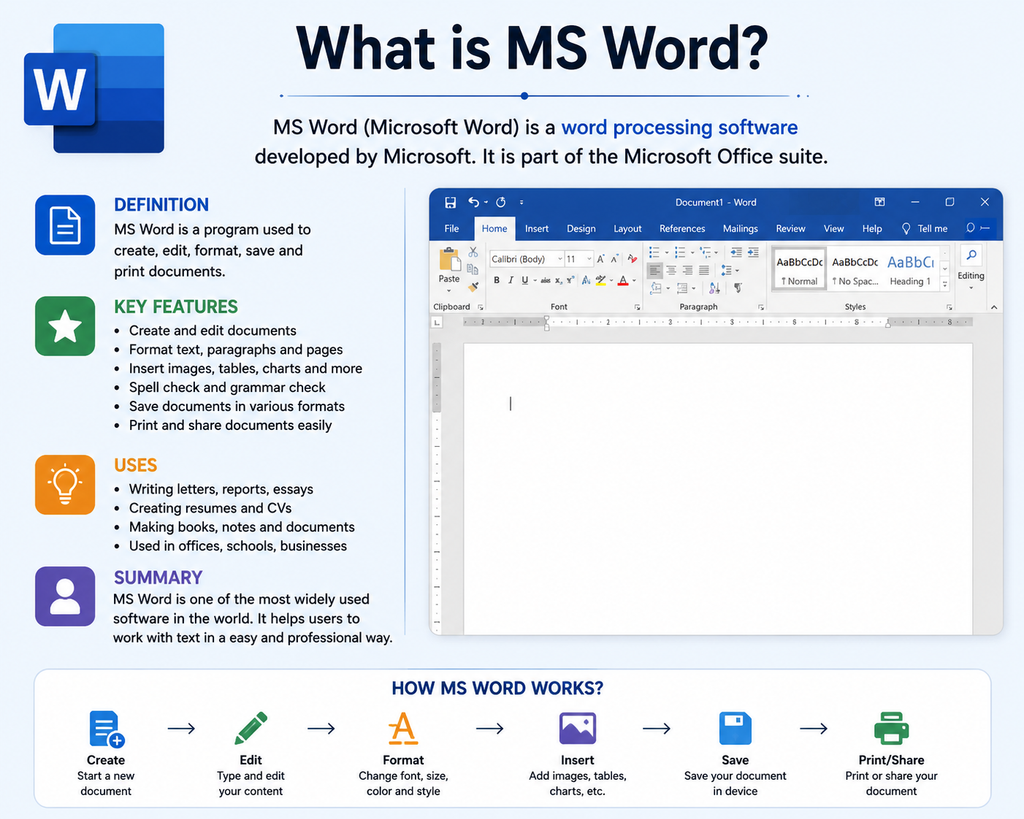
Microsoft Word, commonly known as MS Word, is one of the most popular and widely used word-processing software developed by Microsoft. It is a part of the Microsoft Office suite and is used for creating, editing, formatting, saving, printing, and sharing different types of documents. MS Word is useful for students, teachers, office employees, business professionals, writers, and almost anyone who needs to work with text and documents.
MS Word provides a simple and user-friendly interface that allows users to create professional documents without requiring advanced computer knowledge. Users can type letters, applications, reports, assignments, resumes, notices, projects, articles, invoices, and many other documents.
One of the most important features of MS Word is text formatting. Users can change the font style, font size, font color, alignment, spacing, and paragraph settings. Text can also be made Bold, Italic, or Underlined. MS Word provides different heading styles that help users organize long documents in a professional way.
MS Word also allows users to insert different types of content into a document. For example, users can insert pictures, tables, shapes, icons, charts, symbols, hyperlinks, page numbers, headers, and footers. Tables are especially useful for presenting information in rows and columns. Images and shapes can make documents more attractive and informative.
Another useful feature is Spell Check and Grammar Check. MS Word can identify many spelling and grammatical errors and provide suggestions for corrections. The Find and Replace feature allows users to quickly search for particular words or phrases and replace them throughout a document.
MS Word also provides several useful tools for professional documentation. Users can create resumes, certificates, business letters, reports, brochures, invitations, school projects, and official applications. Documents can be saved in different formats, including the commonly used .docx format, and can also be printed or converted to PDF.
MS Word offers many keyboard shortcuts that make work faster and easier. Some commonly used shortcuts are Ctrl + C for Copy, Ctrl + V for Paste, Ctrl + X for Cut, Ctrl + S for Save, Ctrl + P for Print, Ctrl + Z for Undo, Ctrl + B for Bold, and Ctrl + F for Find.
Learning MS Word is an important part of basic computer education. It helps students and beginners develop essential computer skills that are useful in schools, colleges, offices, businesses, and government organizations. With regular practice, anyone can learn to create attractive and professional documents.
In conclusion, MS Word is a powerful and versatile word-processing application that makes document creation simple, fast, and professional. It combines typing, editing, formatting, designing, reviewing, and printing tools in one application. Therefore, learning MS Word is an essential skill for anyone who wants to become confident and productive in computer-based word.
Pingback: - hcomputer.in